Brand Kit
SaaSFolk Identity
Everything you need to represent SaaSFolk. Download logos, grab color tokens, and follow our usage guidelines for press, partnerships, and integrations.
The Mark
Fusion A — Glass Grid Container
3×3 Glass Grid
Nine gradient tiles in a 3-by-3 matrix represent the diversity of SaaS tools in our directory. Each tile uses a different teal opacity for depth.
3D Layered Container
Three stacked rounded rectangles create a subtle 3D effect. The front face has a specular shine gradient, mimicking glass material.
Monospace Wordmark
"SaaS" in foreground color, "Folk" in brand teal. Set in JetBrains Mono Bold to match the site's developer-friendly aesthetic.
Lockups
Logo Usage
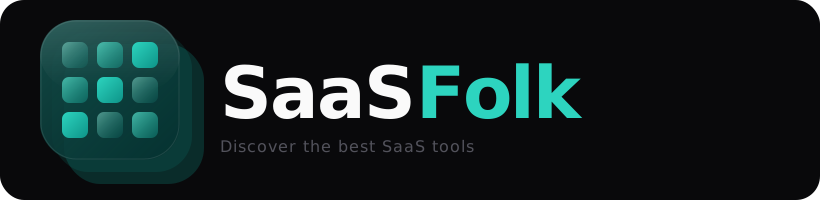
On dark backgrounds
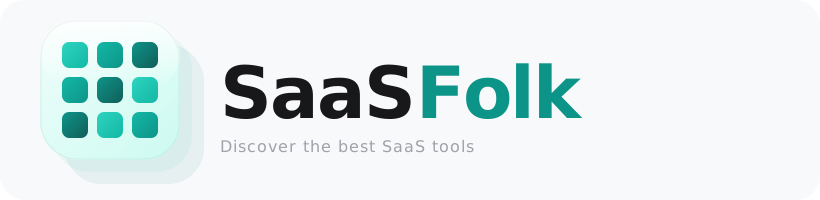
White text + teal accent. Use #fafafa for “SaaS” and #2dd4bf for “Folk”.
On light backgrounds
Dark text + deep teal accent. Use #18181b for “SaaS” and #0d9488 for “Folk”.
Clear Space
Maintain a minimum clear space of 0.25× the icon width on all sides. This ensures the mark remains legible and uncluttered.
Download Kit
10 Assets — SVG
Icon — Primary
Transparent SVG · glass grid mark
Icon — On Dark
Dark rounded tile · social avatars
Icon — On Light
Light rounded tile · light backgrounds
Icon — Gradient BG
Premium gradient tile · featured spots
Icon — Square Dark
Square dark · GitHub, LinkedIn profile

Icon — Mono (Dark Surfaces)
White one-color · dark UI placement
Icon — Mono (Light Surfaces)
Black one-color · light UI placement
Wordmark — Dark BG
Full lockup · dark surfaces
Wordmark — Light BG
Full lockup · light surfaces

LinkedIn Banner
1584×396 · company page cover
Embeddable Badges
“Listed on SaaSFolk” Badges
Add a badge to your website or GitHub README to show your product is listed. Replace YOUR-SLUG with your product's URL slug.




Core Palette
Colors
Teal 400
Primary accent
Teal 500
Links & buttons
Teal 600
Light-mode accent
Teal 900
Container base
Ink 950
Dark background
Surface 50
Light background
Container Gradient
Used for the 3D icon container background
Typography
JetBrains Mono
Wordmark & code-style text
Greycliff CF
Headings & display
Space Grotesk
Body text
Usage Rules
Do & Don't
- Use the official SVG files from this page
- Maintain clear space of 0.25× icon width around the mark
- Use the teal-accented version as the primary logo
- Pair with JetBrains Mono for body text consistency
- Stretch, rotate, or skew the logo
- Change the grid tile colors or layout
- Add effects like shadows, outlines, or bevels
- Place on busy backgrounds without a container
Links
Find Us
Need a custom export?
PNG at specific dimensions, animated logo, or co-branded lockup? Reach out and we'll prepare it for you.
press@saasfolk.com